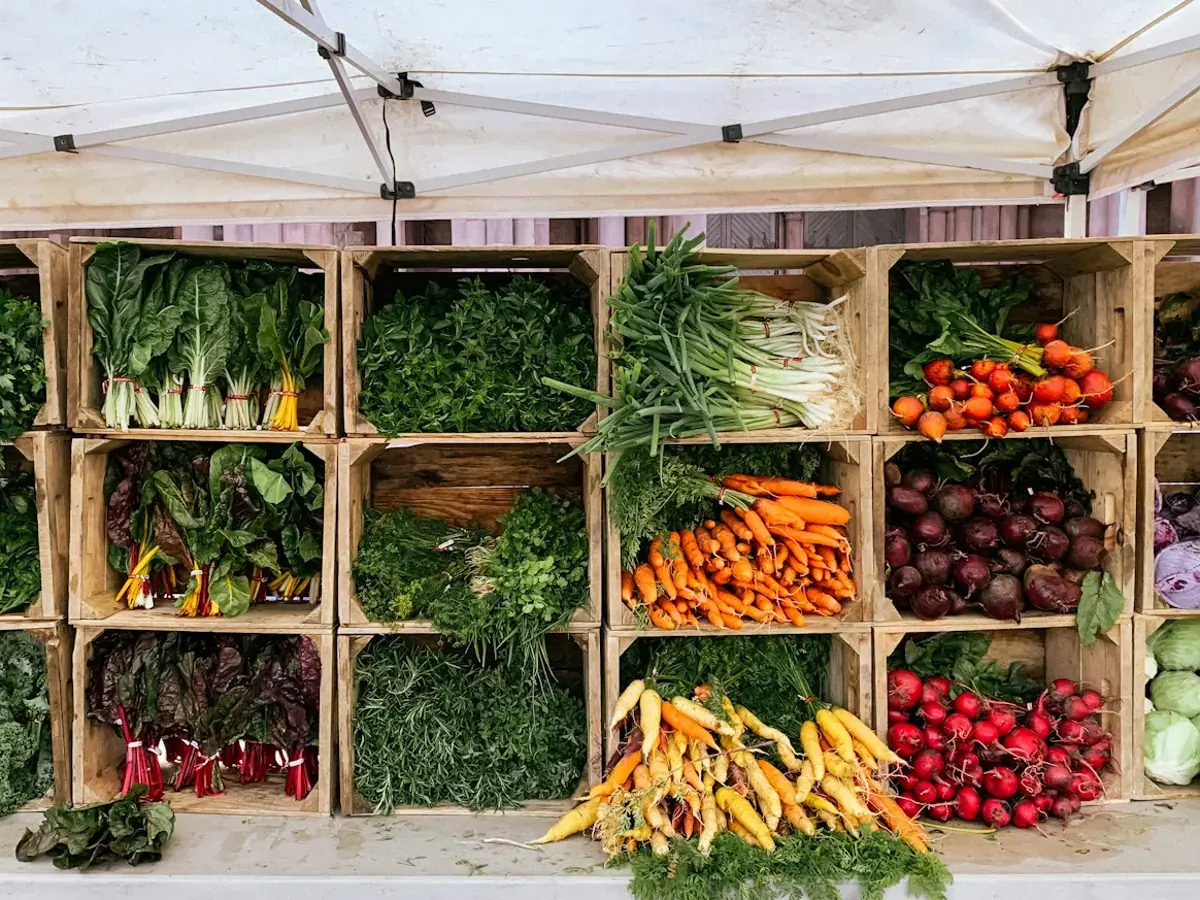
Before ordering groceries online in Colombo, confirm delivery coverage, compare quantities rather than just prices, and make sure someone can receive the order. A short check before checkout can prevent missing ingredients and avoidable delivery confusion.
1. Check the exact delivery address
A neighbourhood name is useful, but the full address matters. Enter the house or apartment number, street, area and a reachable phone number. If access involves a gate, reception desk or apartment entrance, include a short instruction where the order form allows it. Avoid putting private access codes in public notes or reviews.
FreshPick serves supported delivery areas around Colombo. Check the current delivery and ordering information and confirm an unfamiliar address with customer support. An area mentioned in an article is not a guarantee that every address or every delivery slot is available.
2. Compare the quantity you will receive
A lower item price does not always mean a lower cost for the same amount. Read the pack size, unit and quantity selector on the product page. For illustration, a 500 g pack and a 1 kg pack are different purchases even when their photos look similar. If the unit is unclear, ask before paying rather than assuming an image represents the complete order.
Use the current grocery catalogue to check availability and pricing. Photos illustrate products; the item description and selected quantity should guide the purchase.
3. Check the complete basket
Review the merchandise subtotal, delivery fee and any minimum-order requirement shown before confirmation. Do not assume a discount or a free-delivery threshold from an old post still applies. Remove duplicate items and check whether a substitute ingredient would work if your preferred product is unavailable.